Passkeys work technically by using asymmetric public-key cryptography to authenticate logins, allowing your personal device to generate and sign a digital challenge without sending a password to the server. For decades, logging into online accounts meant sharing a secret string with a remote database. If attackers breached that server, they could extract hashes and steal user credentials. Passkeys eliminate that vulnerability by replacing shared secrets with cryptographic keypairs defined by the Web Authentication (WebAuthn) standard from the World Wide Web Consortium and the FIDO Alliance.
At BoringMagazine.Co, we explain foundational digital systems in plain terms. Readers interested in the software and hardware layers behind modern computing can consult our Technology guides for clear technical breakdowns.
The Architecture of Public-Key Cryptography in Passkeys
Every passkey relies on an asymmetric keypair consisting of two distinct mathematical keys: a public key and a private key.
The public key is sent to the online service during registration. The server stores this public key in its database alongside your username. The public key is not secret. Anyone can view it without compromising your account, because it can only verify cryptographic signatures. It cannot generate them.
The private key stays on your personal device. It is stored inside dedicated hardware, such as the Secure Enclave on Apple devices, the Trusted Platform Module (TPM) on Windows PCs, or the hardware security module on Android phones. The private key never leaves this local chip, and the operating system forbids web servers from reading its raw data.
During login, the server uses math to verify that your private key signed a specific challenge. Because only your private key could create that signature, the server confirms your identity without ever seeing the private key.
The Registration Flow: Creating and Storing Keypairs
Creating a passkey involves a structured handshake between your browser, your local operating system, and the web server:
- The user initiates account creation or chooses to add a passkey in settings.
- The server creates a unique user identifier, a randomized challenge string, and a domain identifier.
- The website script calls the browser WebAuthn API using the credential creation method.
- The browser asks the operating system for local biometric authorization or a device PIN.
- Upon verification, the secure chip generates a public-private keypair for that specific domain.
- The device saves the private key locally and sends the public key back in an attestation response.
- The server stores the public key in its database to complete registration.
The website never receives biometric scans, passcodes, or the private key. The server only receives proof that an authentic hardware chip generated a valid keypair.
The Authentication Flow: Challenge, Sign, and Verify
Logging in with a passkey reverses the verification math through a challenge-response sequence:
- The user enters a username or selects a passkey autofill prompt.
- The server sends a fresh cryptographic challenge and domain identifier to the browser.
- The browser prompts the user for local biometric confirmation or device PIN.
- The device locates the matching private key in its secure hardware module.
- The private key signs the server challenge along with client domain data.
- The browser returns the signed cryptographic assertion to the server.
- The server uses the stored public key to verify the mathematical signature.
- Once verified, the server opens an active authenticated user session.
Domain binding protects this sequence. WebAuthn protocols tie every keypair directly to the web origin. Just as internet systems rely on verified domain routing, as explained in our guide on why DNS propagation takes time, the client browser inspects the exact domain before signing. If an attacker directs you to a lookalike phishing site, the browser detects the mismatched domain and refuses to supply the signature.
Multi-Device Synced Passkeys vs Hardware Security Keys
Passkeys exist in two primary implementations: synchronized credentials and hardware-bound tokens. Both use identical WebAuthn math, but they differ in how they store private keys.
Synced passkeys prioritize convenience. Major platforms, including Apple, Google, and Microsoft, store private keys within end-to-end encrypted password managers. When you create a passkey on your smartphone, the encrypted key synchronizes to your tablet and computer through cloud keychains. If you lose your phone, your credentials remain accessible on your other registered devices. The cloud provider cannot read the keys because the encryption relies on your device passcodes.
Hardware-bound passkeys store private keys on standalone physical tokens, such as FIDO2 USB keys. The private key is burned into the silicon chip and cannot be copied or backed up to cloud services. If you lose a standalone key, you cannot restore it remotely. Organizations with strict security policies often require hardware-bound tokens to prevent unauthorized key sharing.
Real-World Examples of Passkey Authentication
Passkeys operate across everyday consumer workflows with minimal friction.
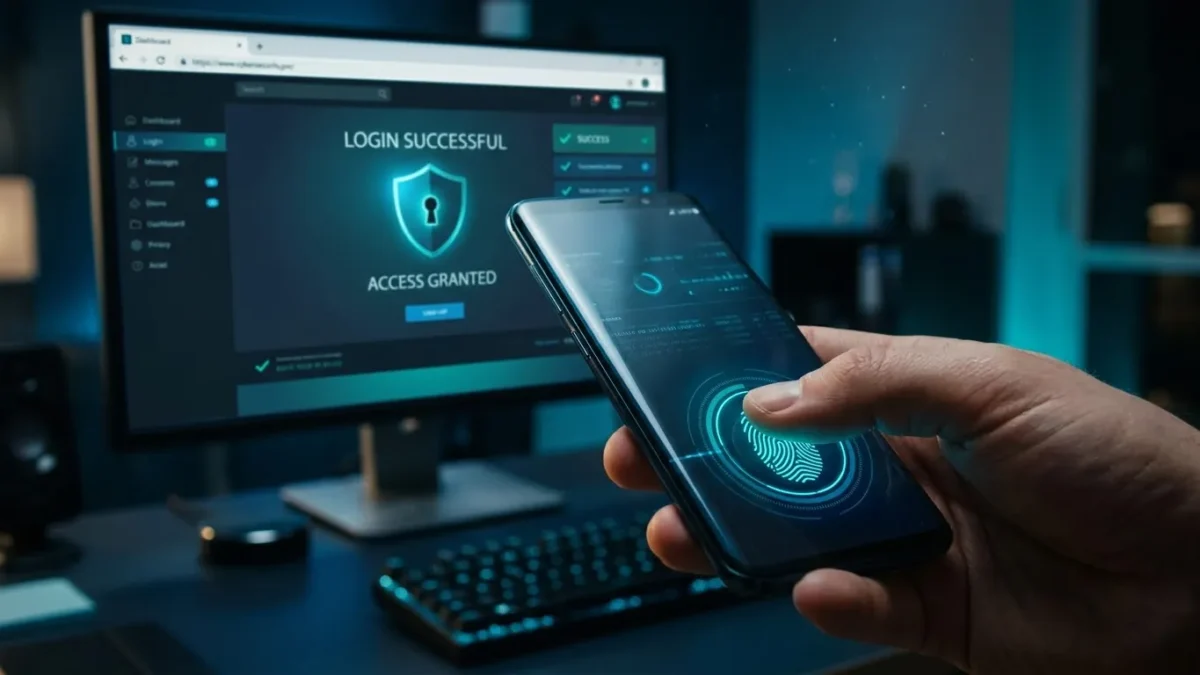
Consider an iPhone user signing into an online store in Safari. The browser displays a passkey prompt, and the user verifies with Face ID. The Secure Enclave validates the face, signs the challenge, and completes the login in seconds without typing passwords or waiting for SMS codes.
Another common scenario is cross-device login. When signing into a smart television or desktop computer that lacks your stored passkeys, the screen displays a QR code. Scanning the code with a smartphone camera establishes a local Bluetooth connection to verify physical proximity. This proximity check ensures that a remote attacker cannot hijack the session. The phone performs biometric validation and transmits the signature, logging you into the screen safely.
Common Misconceptions and Technical Mistakes
Because passkeys represent a major change from password habits, several misunderstandings persist:
- Biometrics are sent to servers: Websites never receive your fingerprints or facial scans. Biometric verification occurs strictly on your device to authorize the cryptographic chip to sign a challenge.
- Losing a device locks you out: Synced passkeys back up through encrypted cloud services. You can still sign in from linked devices or restore keys on a replacement phone.
- Passkeys are weaker than two-factor authentication: A passkey inherently satisfies multiple factors: possession of the physical device plus local biometric or PIN authorization.
- Neglecting backup recovery methods: A common mistake is disabling traditional recovery methods before adding multiple passkey authenticators. Users should register a secondary device or maintain verified recovery contacts.
FAQ
Can a website leak your passkey in a database breach?
A website cannot leak your passkey in a database breach because the server stores only your public key, which cannot be used by an attacker to impersonate you. Attackers who steal public keys cannot forge signatures without the matching private key kept on your physical device.
What happens if you lose the device that holds your passkey?
If you lose the device that holds your passkey, you can regain account access through synced cloud backups, secondary physical security keys, or traditional account recovery. Major platforms automatically sync passkeys across personal devices, ensuring a lost smartphone does not eliminate access on your tablet or laptop.
Are passkeys vulnerable to phishing attacks?
Passkeys are immune to traditional phishing attacks because the browser checks the exact website domain name before allowing your private key to sign a login challenge. Even if a user visits a deceptive lookalike site, the browser detects the domain mismatch and refuses to sign.