An OLED pixel refresh works by measuring electrical resistance across individual sub-pixels while the screen is in standby, calculating uneven wear, and updating internal voltage compensation tables to ensure uniform brightness across the entire panel.
Understanding OLED Degradation and Pixel Wear
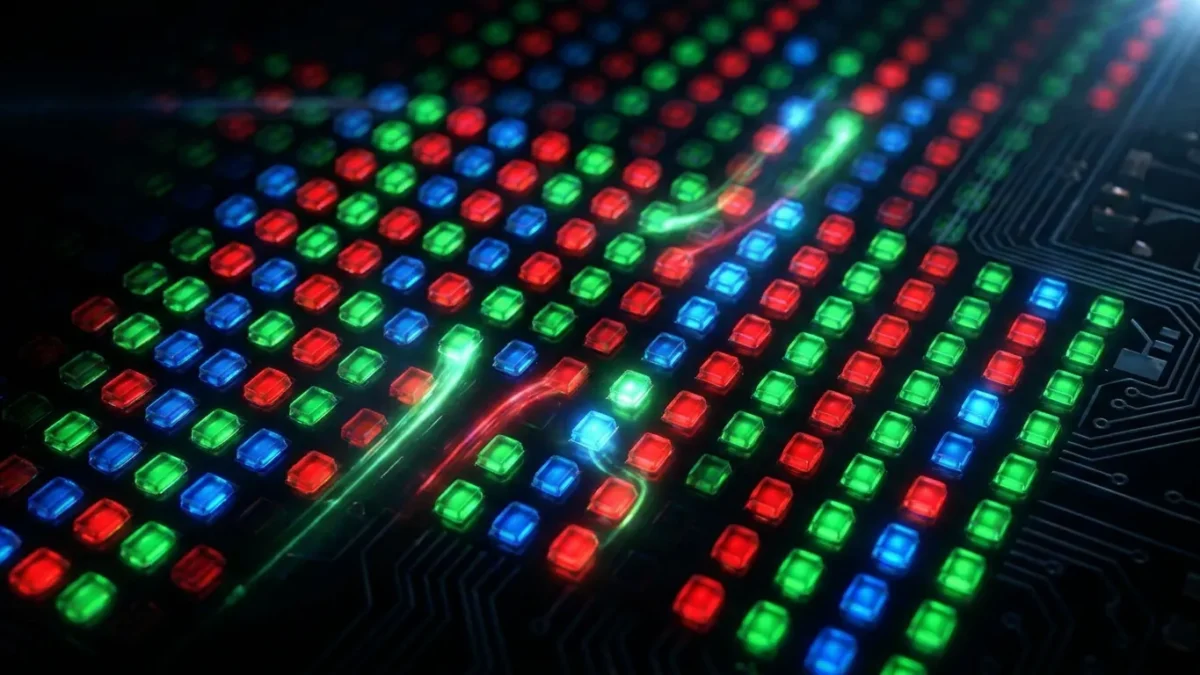
OLED screens produce images with millions of self-lit organic light-emitting diodes. Each sub-pixel emits its own light and color without relying on a separate backlighting layer. This design produces true blacks and strong contrast, but it also creates an uneven wear challenge across the panel.
Unlike traditional liquid crystal displays with shared backlights, each OLED sub-pixel wears down based on how often it lights up. When a screen shows static items, such as news banners, score counters, channel watermarks, or desktop taskbars, the sub-pixels under those areas draw constant electrical current.
Over hundreds of hours, the organic compounds in heavily used sub-pixels lose efficiency faster than sub-pixels displaying changing content. As resistance shifts within the thin-film transistor layer, worn pixels emit less light at a given voltage. The human eye notices these brightness gaps when viewing solid backgrounds. At BoringMagazine.Co, we monitor how hardware designs manage component aging. Without automatic voltage corrections, repeated static imagery would leave permanent visual traces on the display.
How the Pixel Refresh Process Operates
The pixel refresh process relies on hardware diagnostics and firmware adjustments managed by the display timing controller, or T-CON board. The cycle runs quietly in the background after you place the screen into standby mode.
First, the controller begins a sensing pass. It applies test voltages across the thin-film transistor backplane that powers each pixel. Instead of generating visible light, this diagnostic pulse measures the electrical current flowing through each individual sub-pixel circuit.
Second, the internal processor reads current variations to locate sub-pixels whose electrical traits have drifted from factory levels. Sub-pixels subjected to high heat or sustained brightness show clear electrical differences compared to less active areas.
Third, the processor calculates compensation values across the entire grid by comparing measured values against reference curves stored in memory. The system writes these offsets into non-volatile lookup tables on the controller board.
During normal viewing, the panel driver consults these lookup tables to adjust voltage delivery. By supplying slightly higher driving currents to worn sub-pixels, the controller evens out light production across the screen. For readers exploring display setups alongside broader consumer electronics, our Technology guides provide clear explanations of related hardware standards.
Short Cycles Versus Deep Refresh Cycles
Manufacturers divide automated maintenance into two distinct schedules: short cycles and deep cycles. Each routine targets different types of panel stress and operates on a different timetable.
Short refresh cycles trigger automatically after roughly four hours of cumulative use once you switch the display to standby. A short cycle usually takes between five and ten minutes. During this quick pass, the display driver equalizes temporary electrical charges across the thin-film transistors. This prevents short-term image retention from lingering after a gaming session or movie. The system runs silently, often marked only by a pulsing standby light.
Deep refresh cycles run far less often and execute a thorough hardware recalibration. Depending on the brand, these deep routines activate after 500 to 2,000 hours of cumulative operation, which translates to roughly once per year of typical viewing.
A deep cycle takes twenty minutes to an hour. The controller measures actual organic material decay across all color channels and updates panel-wide base calibration curves. When setting up home entertainment centers featuring HDMI eARC audio setups, users may notice connected sound equipment remains powered down while the television completes this deep maintenance cycle before sleeping.
How Pixel Shift and Screen Savers Complement Refreshers
While pixel refresh cycles correct wear after you turn off the screen, built-in preventive tools run during active use to reduce uneven strain.
Pixel shift, also known as screen orbit, periodically moves the active picture by several pixels in different directions. Because this adjustment occurs gradually over minutes and shifts the frame by only a pixel or two, viewers do not notice the movement during regular viewing.
By shifting image positions, pixel shift prevents hard static edges from sitting continuously on the exact same sub-pixels. A sharp boundary, such as a health bar in a video game, is spread across adjacent pixels, distributing electrical wear and smoothing out potential burn-in lines.
Logo detection features work alongside pixel shift by scanning for stationary graphics. When the processor detects a stationary channel logo or news bug, it reduces brightness in that specific region without dimming the surrounding action.
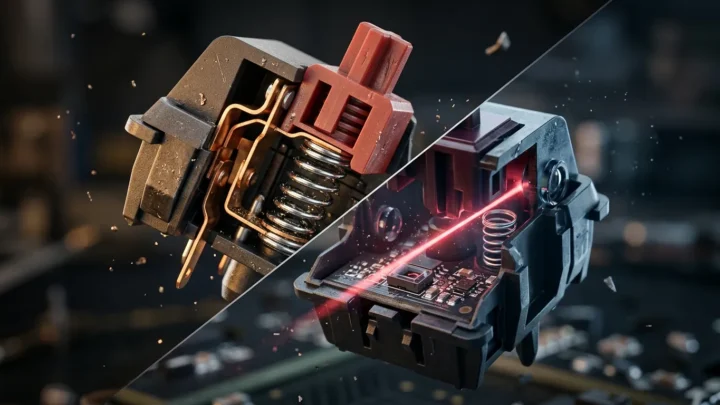
Users who pair OLED monitors with desktop peripherals, including fast optical keyboard switches, often combine these panel tools with auto-hiding taskbars and brief sleep timers to keep static desktop elements from accumulating hours of unchanging pixels.
Common Mistakes That Interfere with OLED Maintenance
Display firmware handles panel maintenance without requiring manual effort, but certain habits can disrupt these safeguards.
The most frequent problem involves cutting main electrical power immediately after turning off the screen. Many people plug equipment into switched outlets or smart plugs to reduce standby power draw. Cutting power immediately halts the timing controller before it can start the short compensation cycle. Without standby power, the panel cannot scan transistor voltages or clear temporary retention. Always leave your display connected to power so it can rest in standby mode.
Another mistake is manually initiating deep refresh cycles too often. Some owners spot minor temporary retention and immediately run manual deep refresh passes. Triggering deep cycles manually can accelerate panel aging. Deep compensation raises driving voltages to balance worn sub-pixels, so forcing repeated passes burns through voltage compensation headroom prematurely.
Finally, running screens at maximum brightness in dark rooms generates excess heat. Heat speeds up the decay of organic diodes, causing sub-pixels to degrade faster than necessary. Setting brightness to sensible levels keeps operating temperatures within safe limits.
FAQ
Does running a pixel refresh fix permanent burn-in?
A pixel refresh cannot repair permanent burn-in because physical degradation of the organic light-emitting material is irreversible. The routine adjusts electrical compensation tables to balance brightness across sub-pixels that still retain operating capacity. If an organic emitter has decayed beyond the maximum compensation limits of the driver, the darker silhouette will remain visible on solid backgrounds.
Should you manually trigger a pixel refresh every day?
You should not manually trigger a pixel refresh every day because forcing deep diagnostic routines burns through panel voltage compensation headroom prematurely. Display controllers feature automated timers that execute short compensation passes after four hours of use and deep passes after hundreds of hours. Manual cycles are meant only for stubborn image retention that persists across several regular standby cycles.
Can you use your display while a pixel refresh runs?
You cannot use your display while a pixel refresh runs because the screen must remain dark in standby mode so the controller can measure backplane voltages without interference. If you turn on the screen while a cycle is active, the internal controller halts the diagnostic scan and reschedules it for the next time the display enters standby.